Unified Field Services · 4 min read
Unified Field Services keep every location ready to work
By Thomas Law · Published September 27, 2026
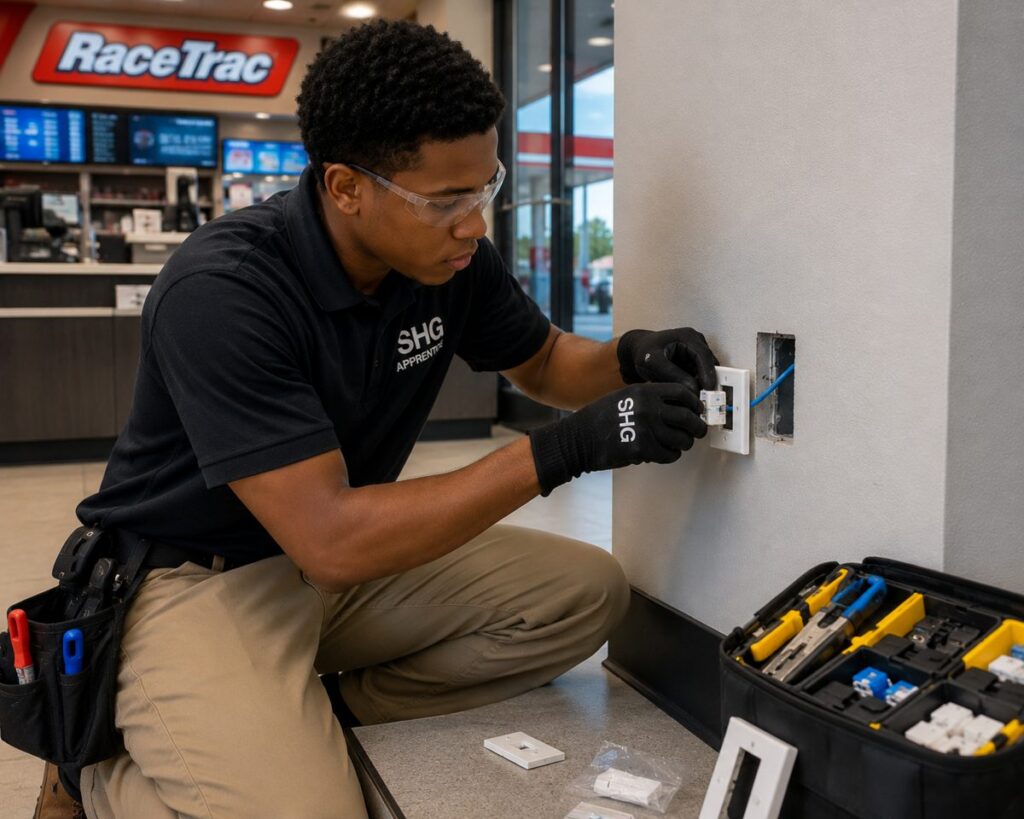
Technology is part of the workday in every store, restaurant, practice, and office. Customers pay at a counter. Restaurant teams send orders to the kitchen. Engineers open large design files. Attorneys prepare client work. When a device or connection fails, the people serving customers often become the people trying to fix it.
Staff Hub Global (SHG) calls its approach Unified Field Services (UFS). It gives companies with multiple locations one way to arrange onsite technology setup, repair, replacement, and routine maintenance.
When technology works, teams can stay focused on the work that earns revenue. When it fails, a checkout line may stop, appointments may run late, or a project team may lose hours. Getting the right help to the location quickly protects the day’s work and the customer experience.
As a company grows, each new location brings more equipment to support. Local staff need to know where to turn, and company leaders need to know whether an issue has been resolved. SHG coordinates requests, onsite visits, updates, and completion records across locations.
The service visit itself needs to fit the site. A technician may need access to a checkout counter during store hours, a restaurant after a rush, or an office before employees arrive. Clear instructions, testing, and cleanup help local managers get back to running their teams.
Reliable support can also reduce the cost of interruptions. Lost staff time, delayed transactions, repeat visits, and unfinished work all add up. Service records help a company review what was done at each location and where recurring problems need attention.
Where UFS helps
Retail stores. Checkout systems, counter workstations, tablets, receipt printers, security cameras, and network connections all support the sales floor. When one fails, a general manager or assistant store leader needs a clear way to get help while continuing to serve shoppers. SHG coordinates onsite setup, troubleshooting, repair, replacement, and testing.
Restaurants. An order may pass through a point-of-sale system, a printer, and a kitchen display before it reaches a guest. A failed screen or connection can slow that flow. UFS supports the devices restaurants use at the counter and in the kitchen, along with tablets, intercoms, TVs, and network equipment.
Dental practice groups. Front desk computers, tablets, phones, printers, copiers, and connections help staff keep appointments moving. When equipment fails, practice managers need a practical response and a clear update. SHG coordinates onsite device and network work across practices so staff can return their attention to patients.
National law firms. Attorneys and staff rely on laptops, office workstations, phones, printers, copiers, and meeting room displays. A device problem can interrupt time-sensitive client work. UFS gives each office a consistent path to onsite support and a record of the work completed.
Architectural and civil engineering firms. Designers and engineers use powerful laptops and workstations to run Adobe tools and demanding drawing and design applications. Their devices and access to those applications are essential every day. A failed workstation, connection, or large-format printer can delay a review or project handoff. SHG coordinates hands-on support for equipment, displays, connections, and planned workstation deployments.
New locations and planned changes. Technology work also needs attention when nothing is broken. A new location may need laptops and workstations set up, printers and copiers connected, POS counters prepared, displays or TVs mounted, and network equipment checked. UFS brings installation, testing, routine maintenance, and cleanup into the same service approach.
A company’s people should be able to spend their day serving customers, caring for patients, or completing client work. UFS helps keep the devices and locations they depend on ready for that work.
Back to all posts
Field Services · 4 min read
What to put in a field service scope of work
By Thomas Law · Published September 27, 2026
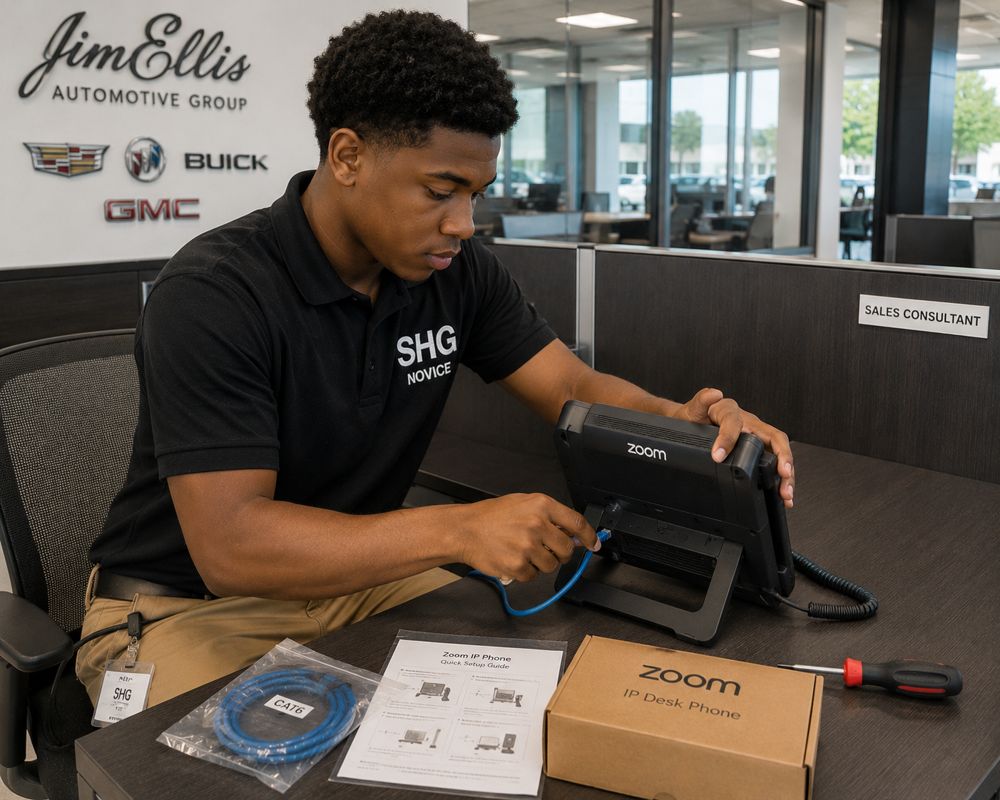
Most field service problems start before the technician arrives. When a scope of work is vague, the technician on site has to guess, call for direction, or leave the job half done. A few minutes spent on the SOW saves hours of back and forth.
Start with the site: the full address, the on-site contact and their phone number, parking and access instructions, and any building or security requirements. If the work happens after hours, say who will let the technician in.
Then describe the work itself. List the equipment involved with models and quantities, what should be installed, moved or replaced, and what “done” looks like. If the work must be tested, name the test and who signs off.
Finally, cover the logistics: where parts ship and when they arrive, what to do with old equipment, the service window, and how the technician should report completion. Ask for photos, serial numbers or port maps up front if you need them.
A good provider will read your SOW back to you and flag gaps before dispatch. If yours doesn’t, that is worth asking about.
Back to all posts
IT Services · 5 min read
Smart hands or managed IT services: which do you need?
By Thomas Law · Published September 27, 2026
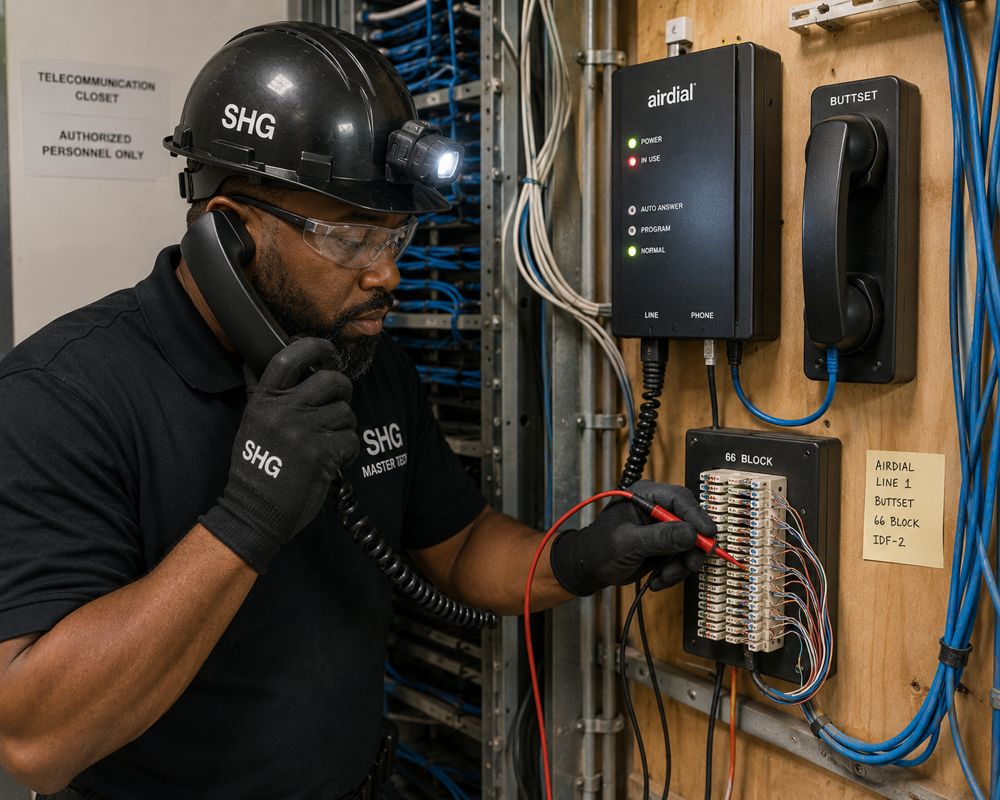
Smart hands and managed IT services both put a qualified technician on your site, but they solve different problems.
Smart hands is directed work. Your engineer or NOC stays in control, and the technician follows their instructions on site: reseat a card, swap a drive, patch a port, read back a console. It suits teams with strong remote expertise and sites they can’t reach quickly.
Managed IT services is owned work. The provider takes responsibility for an agreed scope of support across your sites, handles the tickets inside it, and sends technicians when needed. It suits organizations that want a dependable outcome without building a field team.
Many businesses use both: managed services for day-to-day support at their locations, and smart hands for data rooms and special projects their engineers direct.
If you’re unsure which you need, start with a simple question: when something breaks at a remote site, who do you want deciding what happens next?
Back to all posts
Deployments · 4 min read
Planning a multi-site hardware refresh without disrupting stores
By Thomas Law · Published September 27, 2026

A hardware refresh across many locations is mostly a scheduling problem. The technical work at each site is usually straightforward. Keeping every store open while it happens is the hard part.
Start by grouping sites by region and store hours, and agree on service windows with each location manager before dispatch. After-hours or early-morning work often costs a little more and saves a great deal of lost business.
Stage equipment before it reaches the site. Devices that arrive imaged, labeled and tested turn a two-hour visit into a thirty-minute swap.
Plan for the exceptions: a missing part, a locked network closet, a manager who wasn’t told. Decide in advance who the technician calls and what happens to the visit.
Finish every site the same way, with a quick test alongside store staff and a closeout record you can check against your plan. When the last site is done, you’ll know exactly what was installed where.
Back to all posts